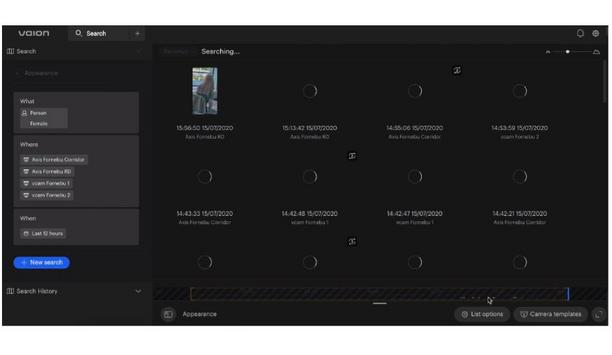


We’re excited to bring you the Vaion vcore 2.1 release. For the past month, we’ve been focused on smaller features and general improvement to make it easier for you to secure and manage your organization’s day to day operations with vcore, our intelligent video management system. Discover what this new release has to offer from audio snippets and improved panoramic views to setting loitering time in rules. Additionally, we’re thrilled to show you our access control integration.
Record audio snippets for vcam alarms
Vaion vcam integrates directional audio analytics. We’re championing privacy, and, by default, our cameras and VMS don’t record the audio. However, in those scenarios, when you need to have a recording from each audio detection, you can enable them from Store audio recordings in vcam.
These files are also available in the vcore to which your vcam device is connected
The snippets include a few seconds of each audio detection. These snippets will be automatically included in any diagnostics information you choose to send to the Vaion vcare support from the vcam. These files are also available in the vcore to which your vcam device is connected. They can be downloaded to be listened to locally from the Alarms tool.
Improvement to panoramic views
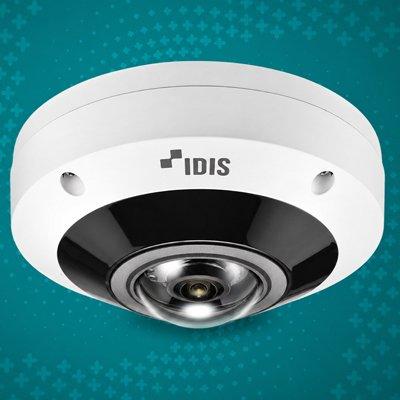
You can set your preferred panoramic view using vcore’s built-in Dewarp feature. Depending on how your panoramic (wide-angle) cameras are installed, you can see footage as a globe view, a single 16:9 view, or as two separate pictures (dewarped Panoramic view).
If your cameras are wall-mounted, you can zoom in to the view of your panoramic cameras using the mouse wheel.
Set loitering time in rules
Adding access control to vcore is seamless and takes less than a couple of minutes
We’ve introduced the ability to configure the time an object has to present before the loitering rule triggers to give you more flexibility depending on your security scenarios. During sensitive situations, where the lingering presence of people or vehicles is rare and/or unwanted, you can set a required loitering time.
You can include more characteristics for the loitering rules to trigger notifications, such as the color of the object, or even upload an image for vcore to use.
Complete access control visibility
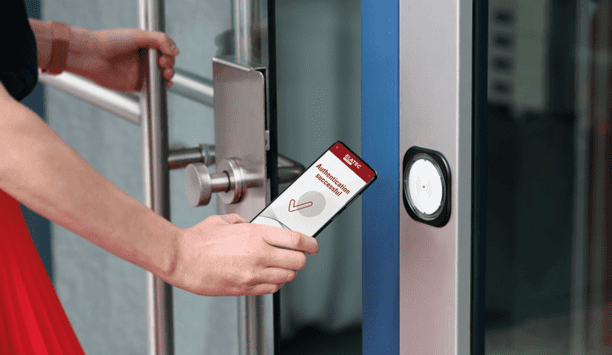
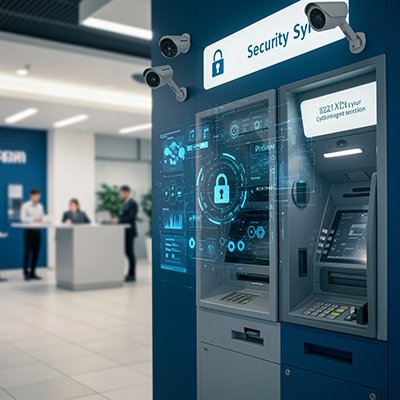
We’re pleased to share more details around our access control integrations. Organizations need security, agility, and intelligence to streamline their operations and have a full picture of access control events. Adding access control to vcore is seamless and takes less than a couple of minutes.