Dallmeier Security software

Dallmeier DMS 2400 SMAVIA

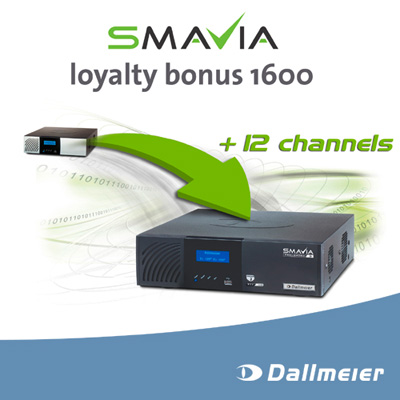
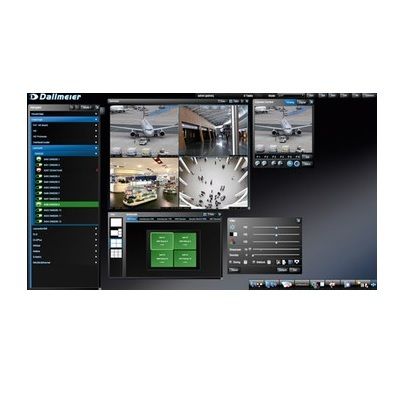
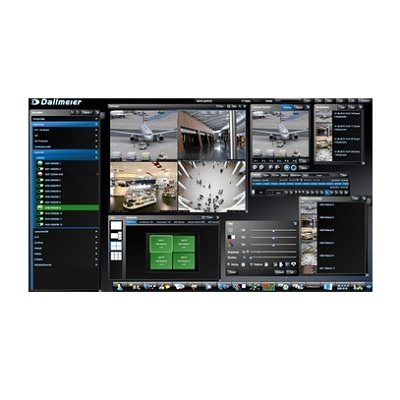
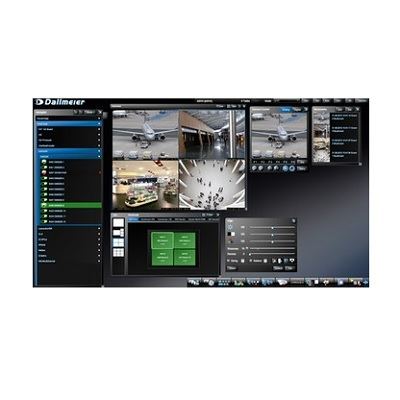
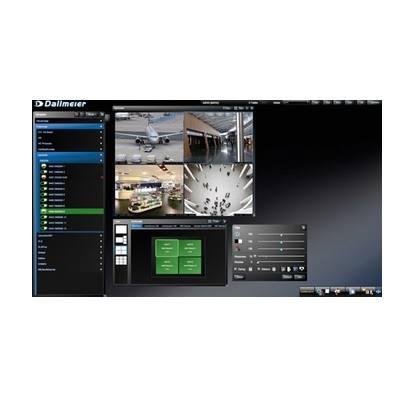
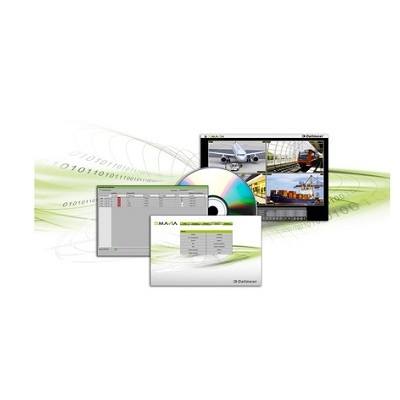
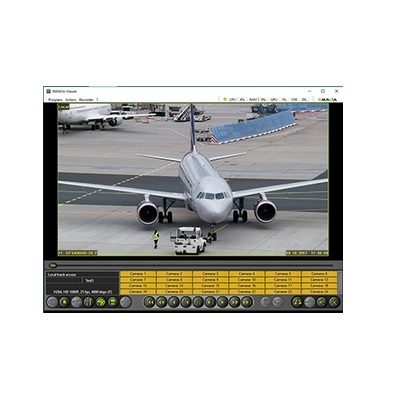
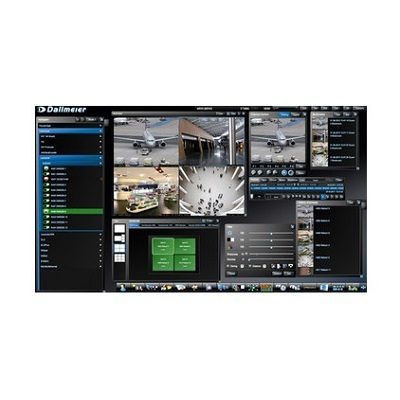
The DMS 2400 is a high performance VideoIP appliance with a processing capacity for up to 24 HD video channels. In conjunction with the dedicated and preloaded software SMAVIA Recording Server it is the best and cascade-able IP security solution e. g. for retail stores, gas stations or company premises. The DMS 2400 is a high performance server hardware with Multi-Core CPU and 2x 3.5” HDDs. The operating system of the 3HU high appliance is on flash memory for highest system stability. The DMS 2400 is suitable for up to 24 SD-IP or HD-IP video channels. Optionally, an upgrade for hybrid use with up to 24 analog channels is available. The DMS 2400 is a stand-alone device and can be installed in a 19" rack using the optionally available 19" bracket. It supports one local playback of one camera (analog, SD-IP or HD-IP) as well as the local live display of analog, SD-IP and HD-IP cameras in the multi split. A sophisticated hardware concept and perfectly coordinated components allow for a high recording speed. Due to the “EasyChange“ functionality hard disk drives can easily and conveniently be changed from the front of the device in case of an HDD failure. The preloaded SMAVIA Recording Server Software supports standard resolutions as well as Full-HD (up to 1080p) and up to 8 megapixels. RTSP and ONVIF compliant cameras can be configured and recorded with SMAVIA. The connection to an Active Directory user administration is possible via the LDAP protocol. The evaluation of live and recorded images can be done either with the SMAVIA Viewing Client (one access license, the so-called “basic license”, is already included) or with SeMSy® via Ethernet (LAN/WAN). PRemote-HD, a special method developed by Dallmeier that enables the transmission of HDTV streams even at low bandwidths, is supported in real time.

Dallmeier PRemote-HD Enables Low-bandwidth Transmission

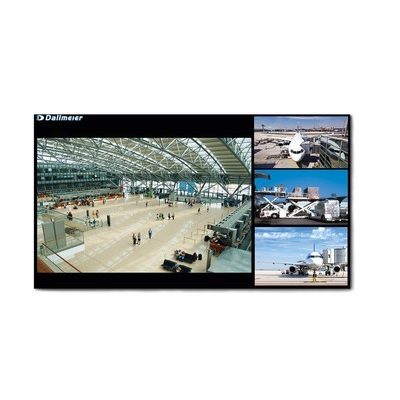
With PRemote-HD Dallmeier has developed a special method that enables the transmission of HDTV streams even at low bandwidths PRemote-HD is a method developed by Dallmeier that uses transcoding to enable the transmission of HD and megapixel streams even at low bandwidths. PRemote-HD is particularly useful for locations where images need to be recorded at highest quality but have only a low-bandwidth network available, for example DSL networks with a 128 kbit upload.  As opposed to standard transmission methods such as Dual Streaming that allow users to only change quality settings for the transmission of live images, PRemote-HD also offers a bandwidth-saving transmission of recorded images. Therefore, it is not only possible to view live images, but also to evaluate recordings over great  distances in highest resolution. PRemote-HD furthermore enables so-called split streaming,  i.e. a multi-split (up to 16x split) is transmitted in just one image. Consequently only one stream is necessary. It is possible to quickly and conveniently switch from split to single image with a mouse click. Good to know: PRemote-HD not only supports Dallmeier cameras but also third-party IP cameras that are recorded via RTSP method in MJPEG or H.264 format. SmartZoom functionality SmartZoom is a very special kind of zoom functionality. With SmartZoom the relevant image area that is zoomed in (picture of interest) is cut out from total image (cropping). Only that image section is transmitted. Thereby the size of the image is reduced without changing its resolution. In other words, it is possible to achieve a higher resolution and thus higher richness of detail while the bit rate remains the same. 

Dallmeier's Recorder With SmartFinder

In view of the huge quantities of data created by surveillance recording nowadays, the search for relevant image sequences frequently turns out to be a lengthy and laborious process.  Dallmeier has tackled the issue and developed SmartFinder - a system for the intelligent search for objects within a picture.  The system allows for a fast and efficient evaluation of the recorded data in predefined areas of the picture.SmartFinder offers an easy and straightforward way to search for data.  Using the mouse the operator drags a rectangle into the picture, thereby marking the area of motion detection.  A practical example; an object is removed from a table located in a spacious foyer.  Instead of laboriously scanning the entire image material, the relevant sequences can be found within seconds using SmartFinder - even over extended periods.  Initial results can even be viewed while the system is still scanning for the data.Mode of operationSmartFinder works on the principle of intelligent variation detection.  As soon as any motion is detected, its spatial position in the video picture is stored in a database as an event.  In the event of a search using SmartFinder, the saved positional data is compared to the search criteria and any movement will be indicated, provided that the SmartFinder was active at the time of recording.The image analysis is carried out at the time of recording.  Therefore, an entry into the database is only made if a movement actually takes place.  Constant movement such as branches swaying in the wind will be filtered out automatically with the major advantage being the significant reduction in the amount of data to be searched.  The detection of relevant sequences is carried out much more quickly and efficiently than it would be using conventional search tools, which always scan the entire image material.In contrast with basic video motion detection recording that reacts to any variation in the picture, SmartFinder has the advantage that the user is able to define the areas in which motion is to be detected.For further information on SmartFinder, please click here.

New Application From Dallmeier: PStreamConvert

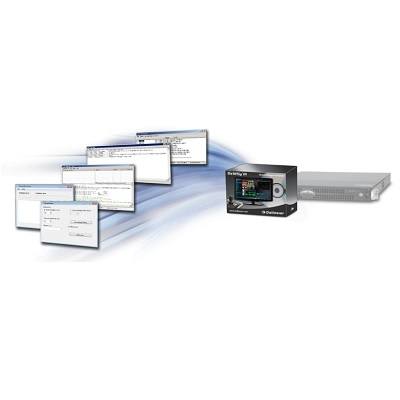
PStreamConvert is an easy to use application that enables the convenient and fast conversion of any backup made by Dallmeier recording systems into a generally supported standard video format. One for All PStreamConvert supports the conversion of backups from all Dallmeier recording systems (DMS, DLS, VNB, DMX as of generation 4 as well as DIS-2/M) and SMAVIA Appliances. For this process, it is irrelevant which method was applied to create the backup, whether it was directly exported from the device to a CD/DVD/USB stick or performed with a Dallmeier management software (PView 7, SMAVIA Viewing Client, SeMSy® III). All backups are supported! Variable Output Format Converted videos are output in an AVI container format with MPEG-4 coding, which is supported by virtually every player software. Within the container the quality of the converted videos (frame rate, bit rate, resolution) can be customised to meet individual needs and there is an option to define either the PAL or NTSC video standard. Merging Supported All sorts of backups can be combined during the conversion process to produce a single video file. Hence, PStreamConvert enables the assembly of a video that allows for a goal-oriented evaluation of the different perspectives of a relevant event. Integration of Data Overlays Displayed information (camera name, time) is transferred from the original videos / backups and reinserted into the converted video (hardcoded). Thus, a preservation of the full information content is guaranteed even for later points in time and without reference to Dallmeier systems. Optional Text Overlay Optionally, PStreamConvert can integrate a freely editable text field into the converted video (hardcoded). This function allows for the integration of individual supplementary data. Yet, it can also be used to mark a video for different target groups, thereby ensuring effective traceability in cases in which the video is passed on without authorisation. Features Video compression MPEG-4 Video standard PAL / NTSC Frame rate up to 25/30 fps Bit rate up to 8 MBit/s Resolution up to Full-HD Presets for conversion settings Stitching of single backups supported Integration of data overlays Individual text overlay for video identification