Mirasys Ltd., one of the leading suppliers of open platform Video Management and Visual Intelligence Solutions, has integrated its Video Management System with the Honeywell Galaxy Alarm Panel. Integration is provided using a selected set of events, but enhancements are available through event handler configuration modifications.
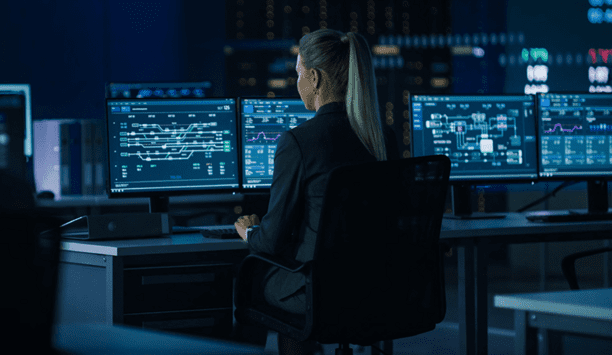
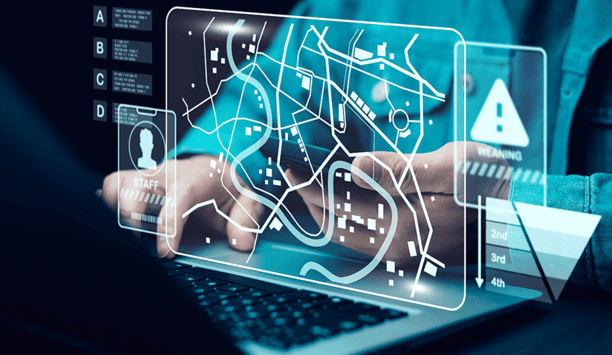
“According to studies human attention decreases after 20 minutes. This might increase mistakes in surveillance. Raising the degree of automation reduces the amount of mistakes and enhances the rate of reaction,” says Petri Bäckström, Security Product Line Director. “If a control room has Mirasys VMS and Honeywell Galaxy Alarm Panel integration in use then in an alarm or abnormal situation you get to the video wall immediately and automatically real time video images from the cameras of the area/doors in question and also playback images from the time just before the abnormal situation happened. You can see right away what happens in the area just now and what happened just before the alarm went on. Decision making and possible corrective actions can be made considerably faster.”
Alarm Panel Triggers VMS
The Honeywell Galaxy Alarm Panel sends event messages that can be used to trigger Mirasys VMS alarm action. Alarm action can open camera(s) in pop-up window and start recording video/audio, turn PTZ camera(S) or start a camera tour, send an email to selected recipient(s) and trigger a digital I/O output. Any combination of these activities is also possible.
All the following activities can be used to initiate an alarm in Mirasys VMS: a burglary alarm in a zone, an operator has closed an area, auto closing, an operator has opened an area, a fire sensor reports an alarm, a user has activated a holdup, medical or a panic alarm.
“Like any Mirasys VMS alarms also Galaxy initiated alarms are logged into the alarm database and can be reported using Mirasys Reporting Tool,” says Jouni Räihä, Principal Product Manager, Integrations. “The tool also provides reports in variety of formats, and enables the creation of easy-to-read graphics from the reports. You can, for example, define the events that shall be reported, freely select time frame and compare different time frame activities in graphs.”